A memorable stream is more than an overlay. It's the thoughtful combination of presentation, technology and audience participation. Here are examples of how I've helped creators build experiences that fit their communities—plus a few different looks from my own shows.
Custom streams, custom experiences
Two different creators, two different production needs. Both show how the right tools can make a livestream more engaging and easier to run.
Multicamera music streaming
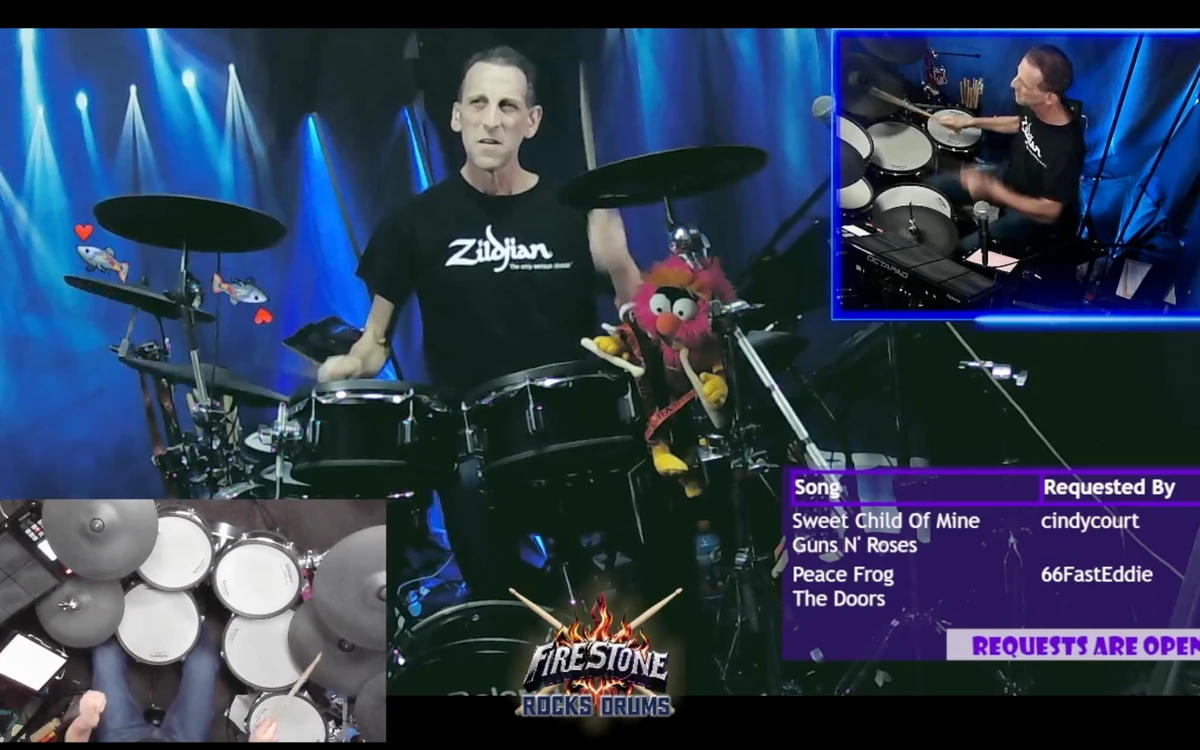
Firestone Rocks Drums
A live show the moderators can help direct.
This stream combines several camera angles with music performance, custom graphics, song requests and interactive effects. Moderator chat commands can control which camera appears on screen, keeping the production dynamic without taking the drummer away from the performance.
Watch Firestone Rocks Drums on Twitch ↗Podcast layouts & live topic switching
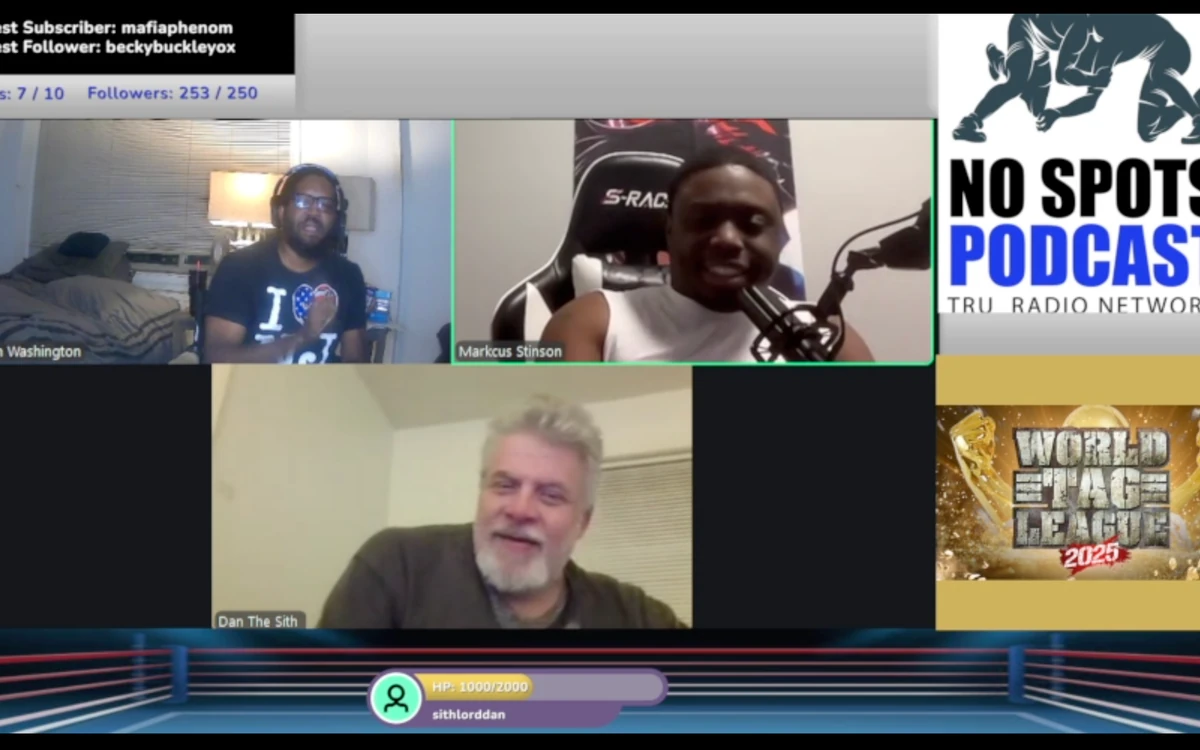
No Spots Podcast
Switch the discussion, not the whole production.
For No Spots Podcast, I built a layout that can show different wrestling topics in the right-hand panel with a simple button press. The hosts stay visible while the on-screen topic graphic changes, making live discussions easier to follow and control.
Watch No Spots Podcast on Twitch ↗
Explore My Own Live Productions
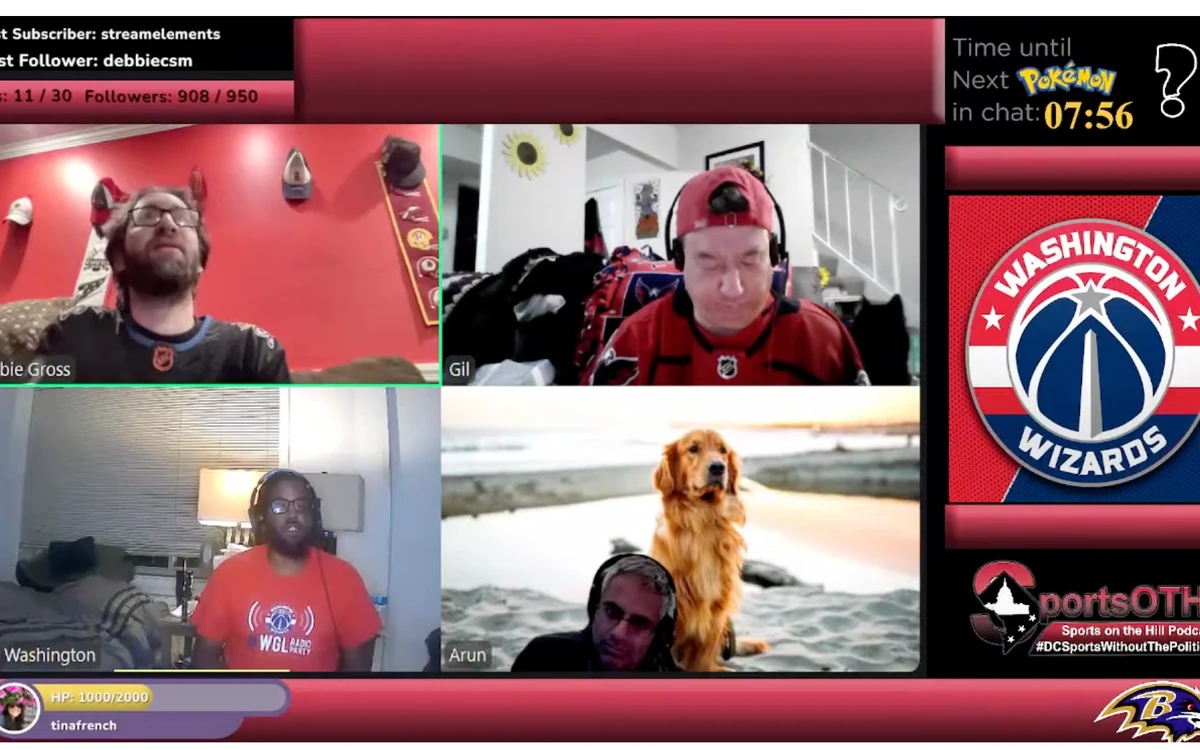
Sports on the Hill Podcast, gaming streams, Gross Scuba previews and editing walkthroughs give me room to test new layouts, graphics and tools. Click any thumbnail below to see how the presentation changes from one stream to another.
How I Can Help Your Stream
Setup & OBS Workflows
Get streaming software, cameras, scenes and audio set up so the production runs smoothly.
Interactive Commands
Chat commands, moderator controls, bot configuration and automation for community participation.
Graphics & Effects
Overlays, alerts, emotes, animated elements and consistent show branding.
Production Refinement
Scene transitions, screen sharing, remote hosts, layouts for different topics and troubleshooting.